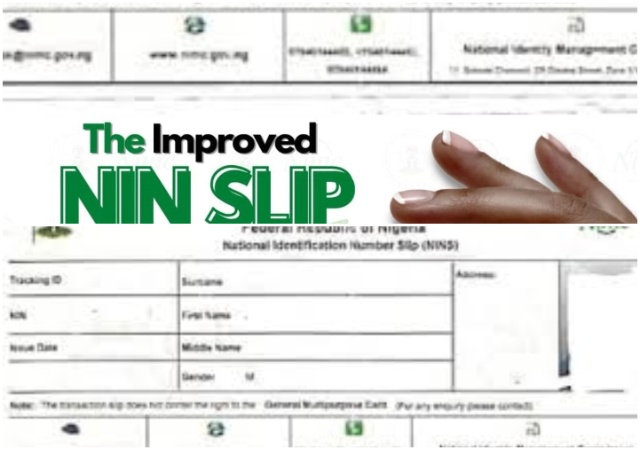
Verifying your National Identification Number (NIN) in Nigeria ensures that your personal data such as name, date of birth, and photograph is correctly registered with the National Identity Management Commission (NIMC) and active in the central database.
Proper verification is critical for linking your SIM card, registering for NYSC, applying for a passport, or accessing banking services, as an unverified or “inactive” NIN can lead to rejected applications.
Here is a comprehensive guide on how to verify your NIN using various methods.
1. Using the NIMC Mobile ID App (MWS)
The most secure way to verify your NIN is through the NIMC Mobile Web Service (MWS) app, which acts as a digital version of your ID.
- Download & Install: Install the “NIMC Mobile ID” app from the Google Play Store or Apple iOS App Store.
- Log In: Enter your 11-digit NIN and the phone number used during enrollment to receive an OTP.
- Check Status: Once logged in, your details, including a photo, should appear on the homepage, confirming the NIN is active.
- Virtual (NIN): To verify your NIN with a specific organization, select “GET VIRTUAL NIN” to generate a 16-digit token valid for 72 hours.
2. USSD Code Method (*346#)
If you do not have a smartphone or data, you can use the USSD service, which costs N20 from your airtime balance.
- Dial the Code: Dial *346# on the phone number associated with your NIN registration.
- Select Options: Choose the “NIN Retrieval” option (usually by pressing 1).
- Receive NIN: Your 11-digit NIN will be displayed on your screen.
- Validation: If the code returns your number, your NIN is likely active. If you receive a “Record Not Found” error, you must visit a NIMC center.
- Navigate to the Portal: Go to the official passport.immigration.gov.ng site.
- Enter Details: Enter your 11-digit NIN and your Date of Birth.
- Verify: Solve the CAPTCHA and click “Verify”.
- Outcome: If your personal details (name, photo) appear, your NIN is validated.
3. If you are applying for a Nigerian passport, the Immigration portal provides a robust way to check if your NIN is correctly registered.
4. In-Person Verification at NIMC Enrolment Centres
If you cannot verify your NIN online or via USSD, you must visit an authorized NIN enrolment center, especially if your NIN is not appearing or you have data mismatches.
- Required Documents: Bring your BVN, Voter’s Card, Birth Certificate, or Driver’s License.
- Purpose: This is necessary if you registered through an agent and your data was not updated, or if your sim card was blocked, indicating your NIN is inactive.
Common Reasons for Failed Verification and Solutions
- Name Mis-match: If your name on your bank account or JAMB profile differs from the NIMC database, the verification will fail.
- No Linked Phone Number: If you did not attach a phone number during registration, the app/USSD will not work.
- Incorrect Format: Ensure you enter exactly 11 digits without spaces or speciaL character.
If you encounter persistent issues, you may need to update your data at an authorized center to ensure your NIN is active.
Leave a Reply